Feed your pet on schedule, even when you can't be there.
Autofeeder builds app-controlled feeders that portion and dispense meals automatically. Set it once from your phone, and mealtime happens on its own.
Built around one problem
Pets don't wait for your schedule. Early mornings, long meetings, and weekends away all get in the way of feeding on time. Autofeeder handles the portioning and timing automatically, so your pet eats on schedule regardless of what your day looks like. You set the plan once in the app. The feeder takes it from there.
Lux
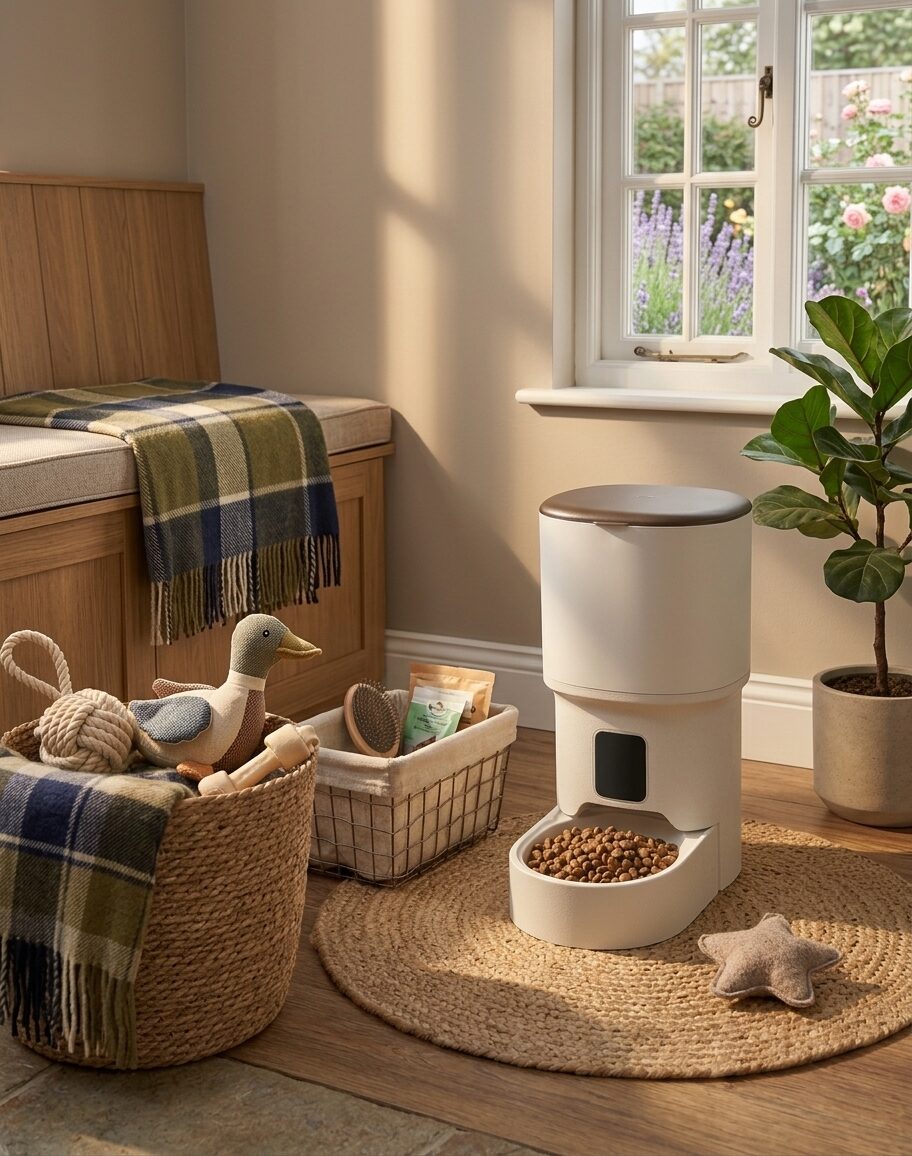
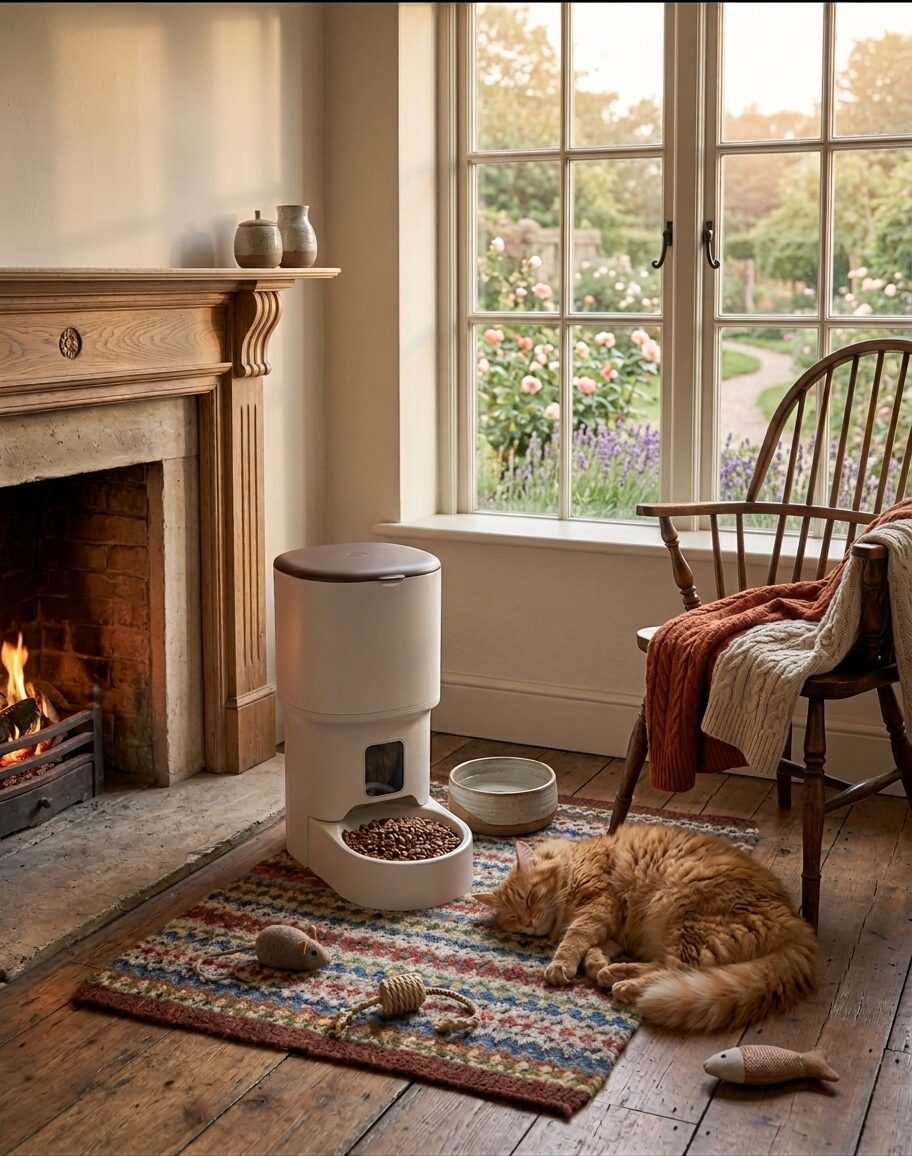
A taller, refined feeder for larger portions and rooms where you'd rather it look intentional.
What it does
- Larger hopper holds more food, so refills happen less often.
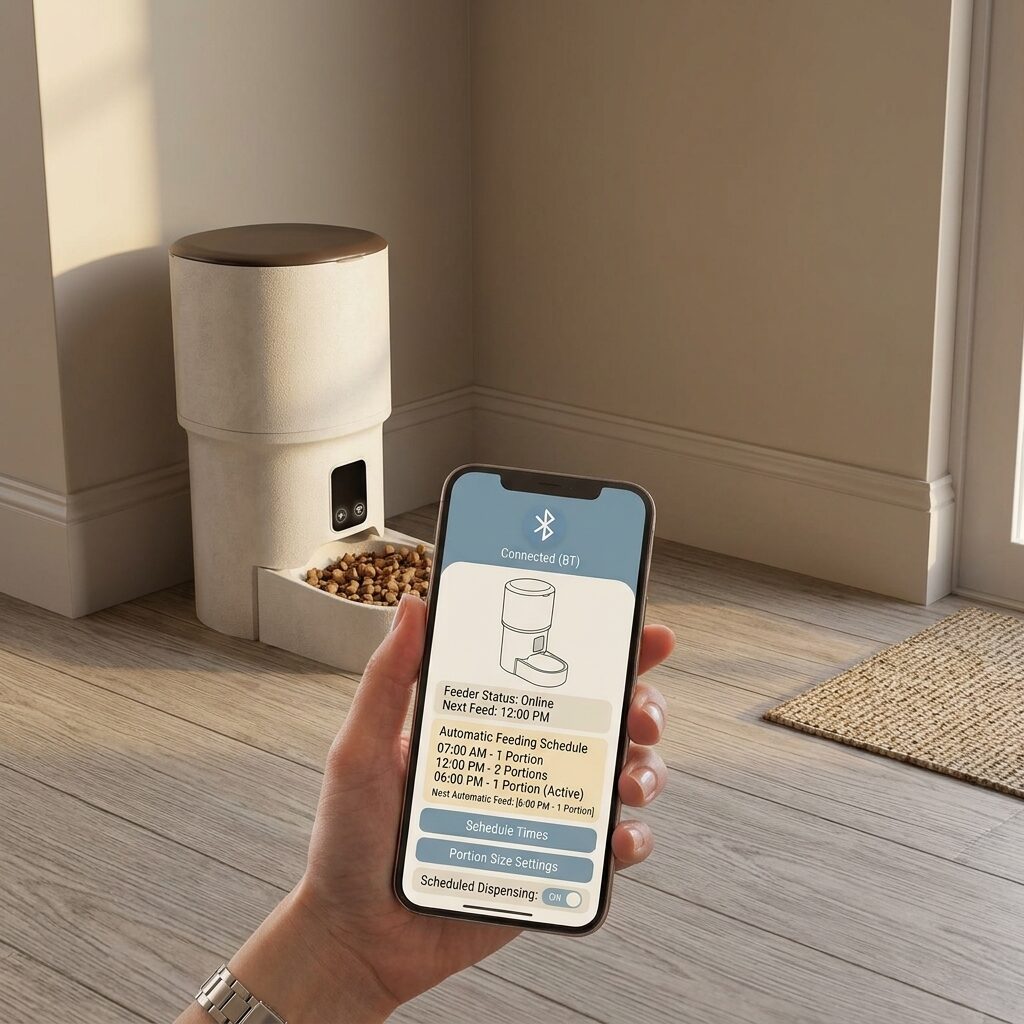
- Touch display shows the next scheduled feed at a glance.
- Wi-Fi connectivity lets you adjust schedules from anywhere, not just at home.
- Matte finish and rounded lid are designed to sit in living rooms, not just utility spaces.
Orbit
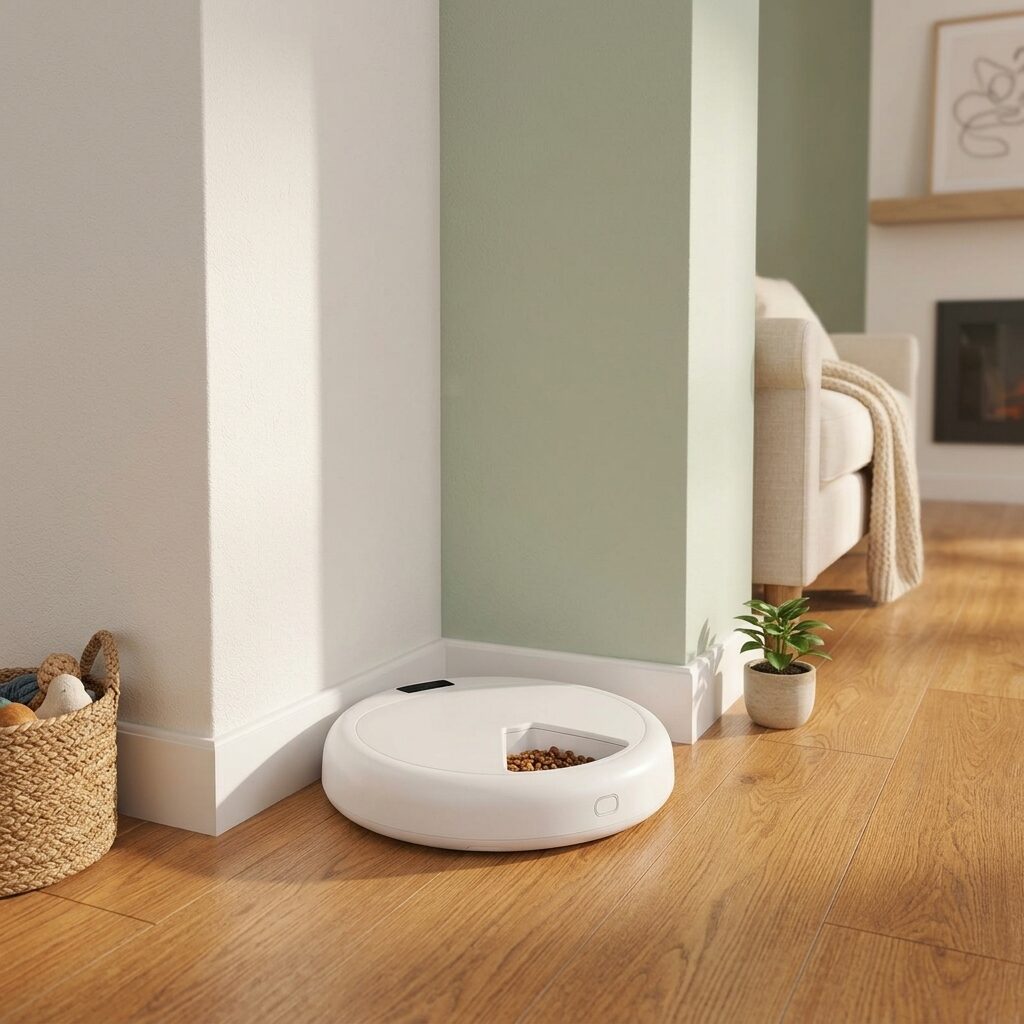
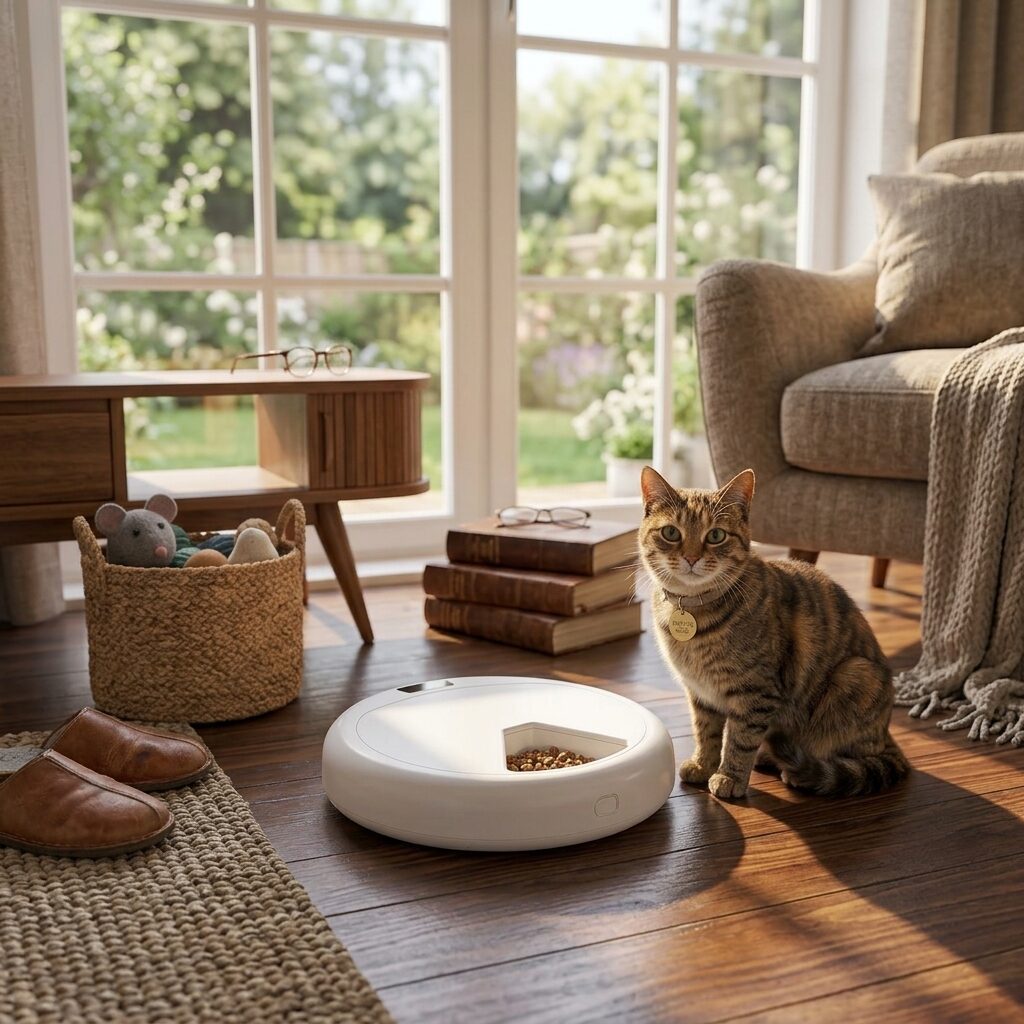
A low, rounded feeder built to sit quietly in any room and handle daily feeding without being asked twice.
What it does
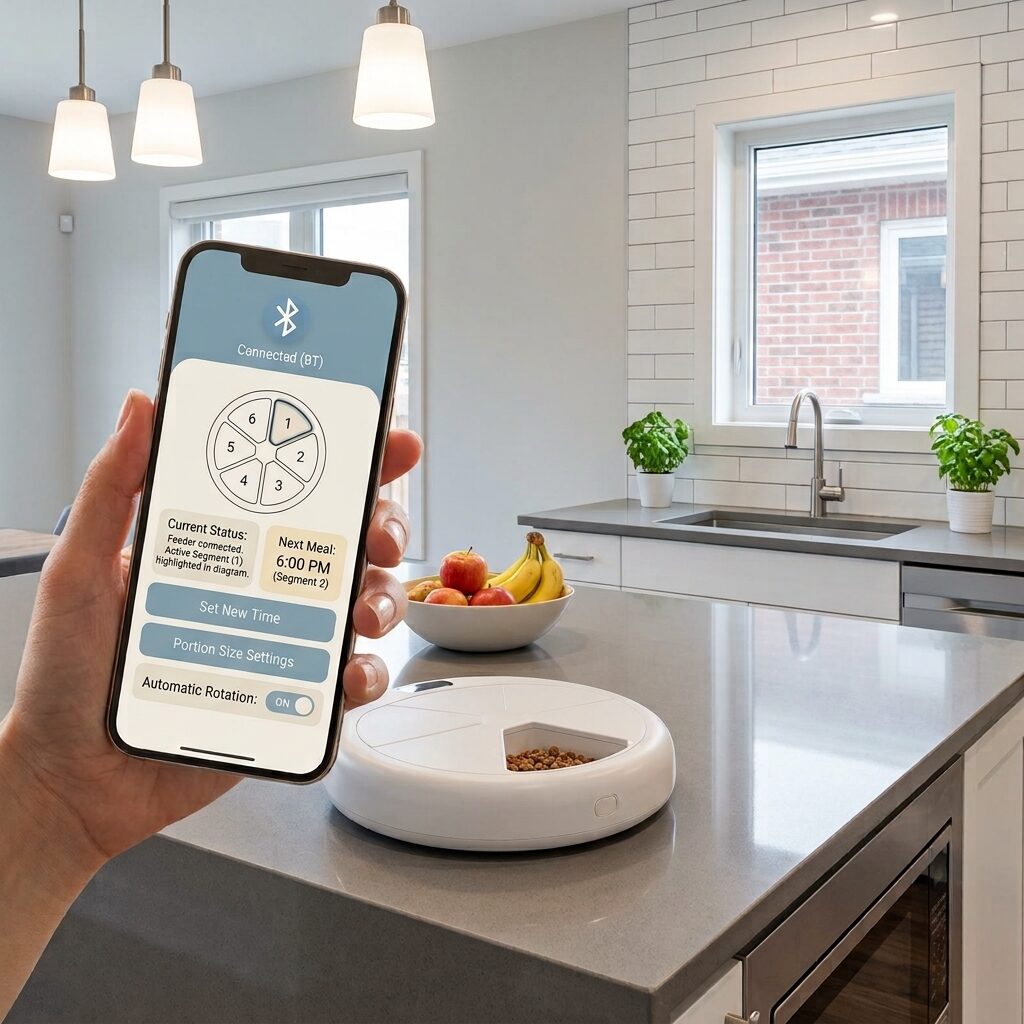
- Six sealed sections rotate on schedule, so each meal stays fresh until it's served.
- Bluetooth pairing controls portion size and feeding times from your phone.
- Low, wide base keeps it stable on hard floors and out from underfoot.
- Runs on battery or plug-in power, so a short outage won't skip a meal.
Orbit or Lux
Both feeders run on the same app. The difference is size, capacity, and where they fit best.
| Lux | Orbit | |
|---|---|---|
| Best for | Larger portions, shared living rooms | Everyday feeding, smaller spaces |
| Meal sections | Continuous hopper | 6 rotating sections |
| Connectivity | Wi-Fi | Bluetooth |
| Control away from home | Works from anywhere | Requires Bluetooth range |
| Power | Plug-in | Battery or plug-in |
| Price | $99 | $69 |
Common questions
What happens if the Wi-Fi or Bluetooth connection drops?
Both feeders keep the last saved schedule in local memory. If the connection drops, feeding continues on schedule. You'll only lose the ability to make changes remotely until the connection is restored.
What size and type of food can I use?
Both feeders are built for dry kibble between roughly 5mm and 15mm. Wet food, large treats, and very fine or powdered food aren't recommended, since they can jam the dispenser.
How long does the battery last on Orbit?
On battery power with typical use (three to four feedings a day), Orbit runs for about three weeks before needing a recharge or fresh batteries. It can also stay plugged in permanently.
Can one app control both an Orbit and a Lux feeder?
Yes. The Autofeeder app supports multiple feeders on one account, so a two-pet household can run an Orbit and a Lux with separate schedules from the same phone.